
Your customers aren’t just Googling anymore. More and more of them are opening ChatGPT and asking, “Who’s the best roofer near me?” or “Where should we cater our office lunch?”
Until this week, you had no say in what ChatGPT told them about you. Now you do.
Don’t want to do it yourself? We can set it up for you, and Digital Media Butterfly clients get it free. Let us handle it →
What changed this week
On November 10, 2026, OpenAI opened a beta that lets business owners claim their business profile inside ChatGPT. It’s called the Business Hub, and right now it’s free.
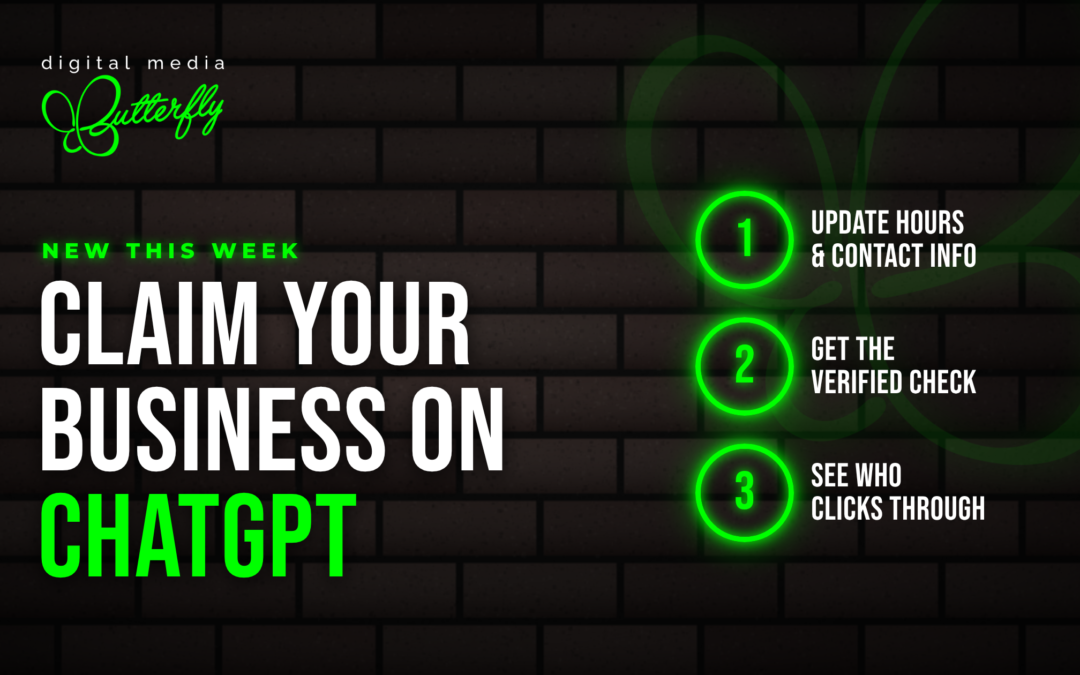
Think of it like claiming your Google Business Profile, just for AI. Once you’re verified, you can add your own business details so ChatGPT has accurate information to share, and see how often it sends people your way.
It’s open to eligible businesses in markets where ChatGPT is available. Local stores and restaurants in the U.S. can claim a listing that ChatGPT already has for them.
What you get when you claim it
- Your details, from you. Add your hours, phone number and other business details so ChatGPT shares accurate information instead of piecing it together from around the web.
- A verified check. Once your identity is approved, your profile gets a blue check. It’s a small signal that tells people the listing is really you.
- A look at the numbers. A dashboard shows 28 days of data, including website clicks, how often your business is mentioned and the topics that keep coming up.
- Products and pricing. If you sell products, you can add a product feed with prices and stock, or sync it from Shopify.
Some online businesses in the U.S. can also set up a Business Agent, an AI assistant that answers customer questions about your products and policies inside ChatGPT. That’s free at launch too.
How to claim your business, step by step
- Go to the Business Hub at ChatGPT.com/business-hub and search for your business.
- Verify the business. Depending on your business, ChatGPT confirms it through your business phone number, email address, website domain or Shopify account.
- Verify yourself. After the business is approved, the person managing the listing completes a quick identity check through Persona, a verification service. You’ll need this before you can publish changes or see your dashboard.
- Add your business details. Fill in your hours, phone number and the rest of your profile so ChatGPT has the right information.
- Check in monthly. Look at your dashboard to see what people are asking about and how often ChatGPT sends them to your site.
Claiming it is the easy part. Step 5 is the one that gets skipped, and it’s where the useful information lives.
What claiming your profile won’t do
Claiming your profile makes sure ChatGPT has the right facts about you. It doesn’t guarantee ChatGPT will recommend you over a competitor.
When ChatGPT decides who to mention, it leans on what the rest of the internet says about you:
- Your Google Business Profile and Bing Places listings
- Consistent name, address and phone number across directories
- Recent reviews
- A clear website that explains what you do and who you do it for
That’s the work behind AEO and GEO (Answer Engine and Generative Engine Optimization). It’s how businesses get recommended by AI tools, not just found on Google. Claiming your ChatGPT profile is step one. Making sure you’re the answer is the ongoing part.
Frequently asked questions
Is it free to claim my business on ChatGPT?
Yes, for now. Claiming and managing your profile is free while the feature is in beta. OpenAI hasn’t ruled out charging for it later.
Who can claim a business profile?
Owners and authorized representatives of eligible businesses in markets where ChatGPT is available. In the U.S., local stores and restaurants can claim a listing ChatGPT already has for them.
What do I need to verify my business?
First, ChatGPT confirms the business through your business phone number, email address, website domain or Shopify account. Then the person managing the listing completes an identity check through Persona, a verification service.
Will claiming my profile make ChatGPT recommend my business?
Not on its own. Claiming makes sure ChatGPT has accurate facts about you. Recommendations still depend on your Google Business Profile, Bing Places listing, reviews, directory listings and website.
Can I see what people ask ChatGPT about my business?
You can see the trends, not the conversations. Your dashboard shows 28 days of website clicks, mentions and recurring topics. OpenAI doesn’t share individual chats with businesses.
Is this the same as my Google Business Profile?
No. They’re separate listings, and you need both. Google covers search and Maps. Your ChatGPT profile covers what people see when they ask ChatGPT.
What is a ChatGPT Business Agent?
It’s an AI assistant that answers customer questions about your products and policies inside ChatGPT. Right now it’s available to eligible U.S. ecommerce and online service businesses, and it’s free at launch.
Want us to handle it?
We’ll do it for you, free.
Fill out the form below and we’ll set up your ChatGPT business profile at no cost. The only part we need from you is a quick identity check, since ChatGPT verifies owners directly.
Let’s see where you stand.
Fill out the form below and we’ll reach out to help you claim your profile and show you how your business shows up in AI search today.
Just tell us which one you are on the form, and we’ll take it from there.
